Why Browsers Are Racing to Add Sidebar Tabs
In 2025 and 2026, almost every major browser, Firefox, Waterfox, Chrome, Edge, and several smaller players, either shipped or expanded a sidebar (vertical) tabs feature.

For nearly three decades, browser tabs lived in one place: a horizontal strip along the top of the window. That layout worked fine when people kept five or six pages open at a time. It stopped working the moment browsing habits changed and tab counts exploded into the dozens, sometimes hundreds. In 2025 and 2026, almost every major browser, Firefox, Waterfox, Chrome, Edge, and several smaller players, either shipped or expanded a sidebar (vertical) tabs feature. This article explains why the shift happened, what each browser actually built, and what it means for how people browse.
The Core Problem: Horizontal Tabs Don’t Scale
A horizontal tab strip has a fixed width, the width of the browser window. Every new tab has to squeeze into that same strip, so as the tab count grows, each tab shrinks. Open enough tabs and every one of them collapses down to a bare, unlabeled favicon. At that point the tab bar stops being useful for navigation; it becomes a row of near-identical icons that a person has to hover over one at a time just to figure out what’s what.
A sidebar solves this by rotating the list ninety degrees. Instead of being constrained by window width, the tab list is constrained by window height, which on modern widescreen monitors and laptops is a far more generous budget. A vertical list can show dozens of tabs with full titles and favicons still legible, and it can be collapsed to icon-only or expanded on hover, so the space cost stays under the user’s control.
There is also a hardware angle. Screens have gotten wider, not taller. Ultra-wide monitors, wide laptop panels, and multi-monitor setups all have horizontal space to spare, while vertical space is comparatively scarce and shared with taskbars, dock bars, and now sidebars for AI assistants. Reclaiming unused horizontal real estate for tab management, while giving back precious vertical space for the actual webpage, is the practical engineering reason sidebar tabs make sense in 2026.
The Cultural Push: Arc Changed Expectations
Much of the direct pressure on the big browsers traces back to Arc, the browser built by The Browser Company. Arc replaced the horizontal tab strip entirely with a left-hand sidebar and introduced ideas like Spaces (separate browsing contexts) and automatic tab archiving. Even though Arc itself went into maintenance mode in mid-2025 and The Browser Company was later acquired, its interface set a new baseline expectation. Once people saw tabs organized as a readable, collapsible list instead of a shrinking row of icons, going back felt like a downgrade. Competing vendors took notice, and sidebar tabs stopped being a niche extension feature and became a checkbox item on every browser’s roadmap.
Firefox
Mozilla began testing native vertical tabs in Firefox Nightly builds, folding the feature into a redesigned sidebar that also houses bookmarks, history, and other tools. The vertical tab list sits on the left by default, though it can be moved to the right, and it can be set to show icons only or expand with full titles on hover. This closed a long-standing gap for Firefox users, since for years the only reliable way to get a vertical tab list was through community extensions such as Tree Style Tab and Sidebery. Native support means better performance and no dependency on a third-party add-on that could break with every browser update. Firefox’s sidebar also includes an entry point for AI chatbot panels, tying the vertical tabs redesign into the same UI real estate used for built-in AI features.
Waterfox
Waterfox, an independent, privacy-focused fork of Firefox, went a step further with its 6.6.0 release. Rather than a flat vertical list, Waterfox partnered directly with the developer of Tree Style Tab to build native “tree style” vertical tabs into its own sidebar. In this model, tabs opened from a link nest underneath their parent tab, forming a collapsible tree that mirrors how a person actually branches off from one page into several related ones. Waterfox’s implementation includes virtual scrolling, so only the tabs currently visible in the sidebar are rendered, which keeps memory use down even with very large tab trees. The sidebar can be toggled to either side of the window, and Waterfox has paired the tab redesign with its broader privacy pitch: zero telemetry by default and an explicit refusal to bolt on AI chat sidebars the way some competitors have.
Chrome
Chrome was the last of the major browsers to add native vertical tabs, something long-time users had been requesting for years while watching Edge, Arc, and Firefox add the feature ahead of it. Google shipped the capability starting with Chrome 146 in early 2026, first as a flag-gated option and then as a right-click menu item, “Show Tabs Vertically,” with a matching setting under Appearance. The feature turns the top tab strip into a resizable left-hand sidebar, preserves existing tab groups, their names, colors, and collapsed state, and lets each tab show a readable title without hovering. It is a straightforward layout change rather than a full workspace system: no Spaces, no automatic archiving, no separate contexts, so it addresses the readability problem of horizontal tabs without trying to replicate everything Arc offered.
Edge
Microsoft Edge is often cited as the browser that normalized this feature for mainstream users, since it has offered native vertical tabs since 2021, years ahead of Chrome and Firefox. Edge’s implementation collapses the sidebar down to a slim icon column by default and expands on hover or pin, and it pairs the vertical layout with “sleeping tabs,” which automatically suspend inactive tabs to free up memory, and with tab groups that sync across a signed-in user’s devices. Because Edge shares Chromium’s engine with Chrome, its vertical tabs work is frequently pointed to as the template that eventually shaped Chrome’s own rollout. For many reviewers, Edge remains the most complete “it just works” package for an average user who wants a sidebar without configuring anything.
UC Browser
UC Browser, developed by Alibaba’s UCWeb and especially popular across Asia, has taken a different path from the desktop-first browsers above. It is primarily a mobile browser, and its tab management leans on gesture controls rather than a persistent desktop-style sidebar: swiping to switch tabs, a card-based tab switcher similar to how Android displays open apps, and customizable gesture shortcuts for opening or closing tabs. The desktop version does offer mouse gestures for quick navigation, but as of 2026 UC Browser has not adopted a Firefox- or Edge-style vertical sidebar tab list. Its emphasis has stayed on speed, data compression, and touch-first tab switching for markets where mobile browsing dominates, which is a reminder that the sidebar tabs trend is largely a desktop, widescreen-driven phenomenon rather than a universal one.
Other Notable Players
A few other browsers are worth mentioning because they shaped or reflect the same trend:
- Arc popularized the sidebar-first browser layout and introduced Spaces and automatic tab archiving, even though the product itself has since gone into maintenance mode following its acquisition.
- Vivaldi, built by former Opera developers, offers one of the most configurable tab systems available, including vertical tabs, tab stacking, tiling, and full session management, aimed at power users who want granular control.
- Zen Browser, a newer Firefox-based project, wraps Gecko’s engine in an Arc-inspired interface with vertical tabs, split views, and workspaces, appealing to people who want Arc’s aesthetic without leaving the Firefox ecosystem.
- Floorp, built on Firefox ESR, unlocks deep interface customization, including vertical tabs, multi-row tab bars, and flexible sidebar panels, while keeping full compatibility with Firefox extensions.
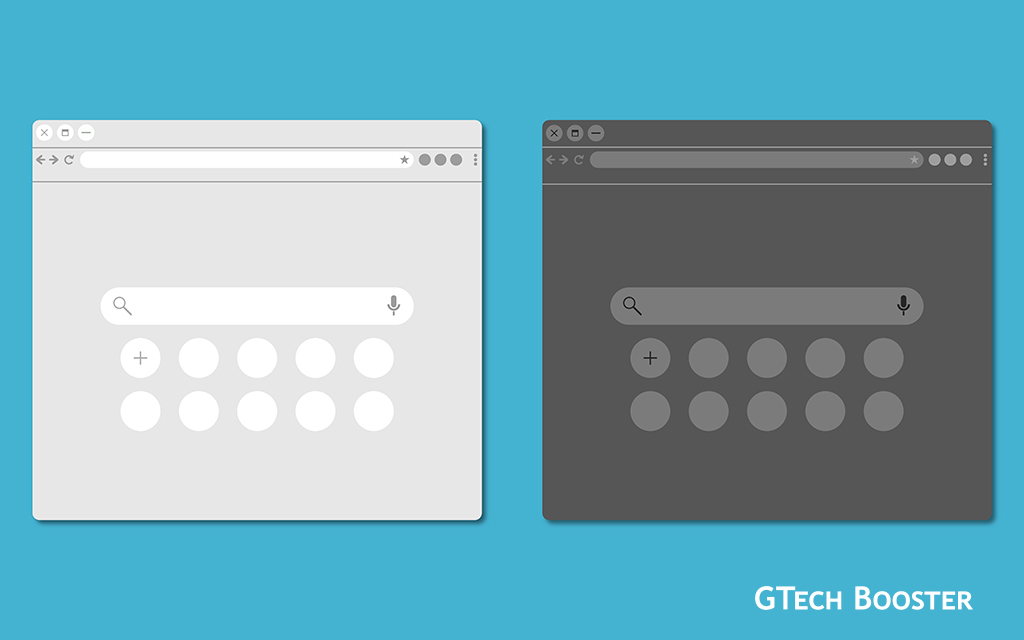
Why Now, Specifically
A few forces converged to make 2025 to 2026 the moment sidebar tabs went mainstream rather than staying a power-user trick:
- Tab counts kept climbing. Between research habits, shopping comparisons, work tools, and social media, it became normal for people to have 20, 40, or even 80 tabs open at once, a scale horizontal tab bars were never designed for.
- Screens got wider, not taller. Widescreen laptops and monitors made horizontal space cheap and vertical space precious, which is exactly the trade a sidebar makes.
- Arc reset expectations. Once a well-reviewed browser demonstrated a cleaner way to handle large tab counts, competitors faced real pressure to match it or lose users to it.
- Extensions proved the demand first. Tools like Tree Style Tab and Sidebery had loyal followings for years before any major browser built the feature natively, giving vendors a clear signal that the appetite was real, not speculative.
- AI sidebars needed a home. As browsers added built-in AI chat panels, the sidebar itself became a more central piece of the interface, and folding tab management into that same space made structural sense.
What This Means Going Forward
Sidebar tabs are no longer an experimental feature bolted on by enthusiasts; they are becoming a standard, expected part of any modern browser, alongside tab groups, tab search, and sleeping or suspended tabs for memory management. The remaining differences between browsers are less about whether they offer a sidebar and more about how far they take it: a simple vertical list (Chrome), a tree of parent and child tabs (Waterfox), a fully separate workspace system (Arc’s legacy and its spiritual successors like Zen), or a heavily customizable power-user toolkit (Vivaldi). Mobile-first browsers like UC Browser, by contrast, are likely to keep favoring gesture-based tab switching over a desktop-style sidebar, since the constraints of a small touchscreen are fundamentally different from those of a wide desktop monitor.
More Information ℹ














Conversation
Login to comment.
Log In / Register