Understanding Linux – What It Is and How Its Distributions Differ
Linux grew into one of the most widely used pieces of software in the world, powering everything from smartphones (through Android) to web servers, supercomputers, and personal desktops
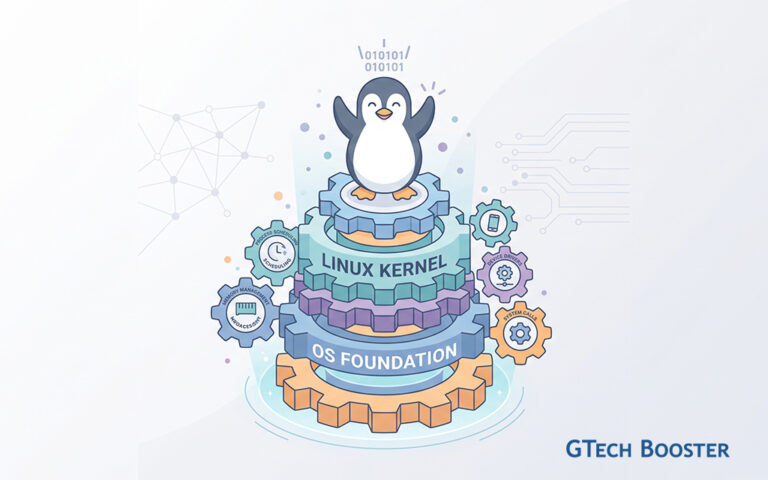
Linux is not a single piece of software you install and run. It is a kernel, the core program that manages a computer’s hardware, memory, and processes, sitting at the foundation of an entire family of operating systems. Created by Linus Torvalds in 1991 as a personal project, Linux grew into one of the most widely used pieces of software in the world, powering everything from smartphones (through Android) to web servers, supercomputers, and personal desktops.
Because the Linux kernel is open source, anyone can view, modify, and redistribute its code. This openness is the reason Linux never exists as one fixed product. Instead, developers and organizations combine the kernel with other software, desktop environments, package managers, and design choices to create complete, ready to use operating systems. These complete packages are called distributions, often shortened to “distros.”
Why So Many Distributions Exist
If everyone starts with the same kernel, why are there hundreds of different versions of Linux? The answer lies in philosophy and purpose. Some distributions prioritize stability above all else, making them ideal for servers that must run for years without interruption. Others chase the newest software the moment it is released, appealing to enthusiasts who want cutting edge features. Some are built for beginners transitioning from Windows or macOS, while others are designed for experienced users who want full control over every part of their system.
This diversity is a strength of the Linux ecosystem rather than a weakness. It means there is very likely a distribution suited to almost any use case, hardware setup, or skill level.
Core Concepts Every Reader Should Know
Before comparing individual distributions, it helps to understand a few terms that will appear repeatedly.
The Kernel vs the Distribution
The kernel handles low level tasks such as communicating with your CPU, memory, and storage devices. A distribution wraps the kernel with a package manager, a desktop environment, system utilities, and default applications, turning it into something a person can actually use day to day.
Package Managers
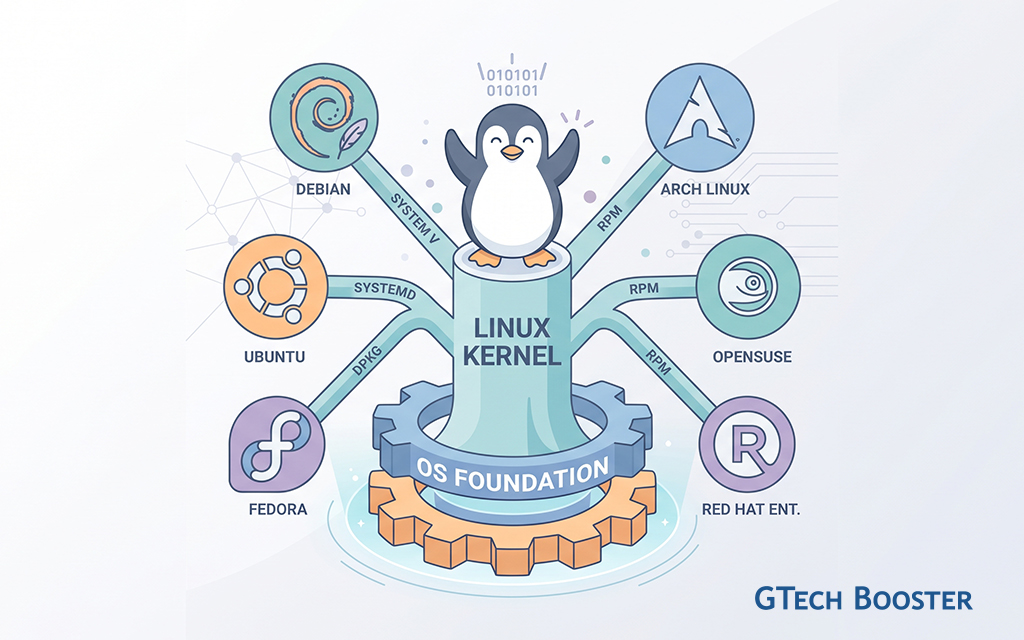
A package manager is the tool a distribution uses to install, update, and remove software. Different distributions use different package managers, and this is one of the biggest practical differences between them. Popular examples include APT (used by Debian and Ubuntu), DNF (used by Fedora), and Pacman (used by Arch Linux).
Desktop Environments
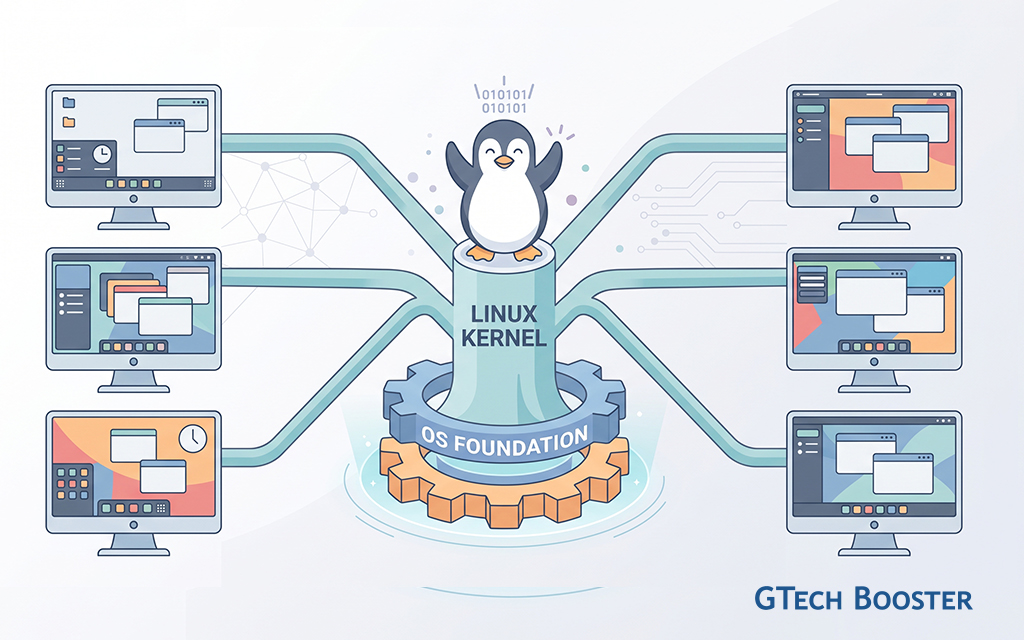
A desktop environment is the visual interface you interact with, including the taskbar, file manager, and settings menus. Common examples are GNOME, KDE Plasma, Xfce, and Cinnamon. Many distributions let you choose your desktop environment, while others build a custom one specifically for their system.
Release Models
Distributions generally follow one of two release philosophies. A fixed release model publishes a new, tested version at set intervals, with updates arriving in larger batches. A rolling release model continuously pushes the newest updates as soon as they are ready, without waiting for a major version milestone.
The Major Distributions Compared
Ubuntu
Ubuntu, developed by Canonical, is arguably the most recognized Linux distribution among newcomers. It is built on Debian but adds a more polished, beginner friendly experience out of the box.
Ubuntu uses the APT package manager and follows a fixed release schedule, publishing new versions every six months, with Long Term Support (LTS) releases every two years that receive updates for an extended period, typically five years or more. This makes Ubuntu a strong choice for people who want reliability without sacrificing access to reasonably modern software.
Its default desktop environment is GNOME, customized with Ubuntu’s own visual theme. Because of its popularity, Ubuntu has the largest amount of online documentation, community support, and third party software compatibility of any Linux distribution, making it the natural starting point for most beginners.
Debian
Debian is one of the oldest and most influential Linux distributions, and it is the foundation upon which Ubuntu, Linux Mint, and many other distributions are built. Debian’s guiding principle is stability. Its packages go through extensive testing before being included in a stable release, which means software versions can lag behind the newest releases from developers, but the system rarely breaks or misbehaves.
Debian also uses the APT package manager, so anyone comfortable with Ubuntu will feel at home. It offers three branches, stable, testing, and unstable, allowing users to choose their own balance between reliability and access to newer software. Debian tends to appeal to server administrators, experienced users, and anyone who values a rock solid foundation over having the latest features immediately.
Fedora
Fedora is sponsored by Red Hat and serves as a proving ground for technologies that often later appear in Red Hat Enterprise Linux, a major commercial Linux platform used in businesses. This gives Fedora a reputation for being forward looking, frequently adopting new Linux technologies before other distributions do.
Fedora uses the DNF package manager and follows a fixed release cycle of roughly every six months, with a shorter support window than Ubuntu’s LTS releases. It defaults to the GNOME desktop environment, presented in a very close to unmodified state, which appeals to users who want an experience aligned with the broader GNOME project’s vision. Fedora suits developers, tech enthusiasts, and anyone wanting a modern, clean system without going as far as a rolling release.
Arch Linux
Arch Linux takes a fundamentally different approach from the previous three. Rather than installing a fully configured system, Arch starts nearly empty, and the user builds it up piece by piece, choosing exactly which components to include. This makes Arch extremely lightweight and customizable, but it also means new users face a much steeper learning curve.
Arch follows a rolling release model, meaning software updates arrive continuously rather than in scheduled batches. Its package manager, Pacman, is fast and straightforward, and it is complemented by the Arch User Repository (AUR), a community driven collection of additional software packages that dramatically expands what is available.
Arch is best suited to users who already understand Linux fairly well and want maximum control over their system, along with access to the newest software the moment it becomes available. The trade off is that rolling releases can occasionally introduce instability, and troubleshooting requires more hands on knowledge.
Linux Mint
Linux Mint is built on top of Ubuntu, and by extension Debian, but it reworks the experience to feel more familiar to users coming from Windows. It uses the APT package manager, inheriting Ubuntu’s software compatibility and stability, while replacing Ubuntu’s default look and feel with its own Cinnamon desktop environment, alongside optional MATE and Xfce editions.
Where Ubuntu has moved toward its own visual design choices over the years, Linux Mint intentionally keeps a traditional desktop layout, with a start menu style application launcher and taskbar arrangement that Windows users recognize instantly. It also avoids some of the additional software Canonical bundles into Ubuntu that some users find unnecessary. Linux Mint is frequently recommended as the easiest entry point into Linux for people switching from Windows, prioritizing familiarity and simplicity above all else.
Deepin Linux
Deepin Linux, developed by a China based team, distinguishes itself primarily through its visual design. It is built on Debian and uses APT for package management, but its standout feature is the Deepin Desktop Environment (DDE), a custom built interface known for its elegant, modern aesthetic, complete with smooth animations, a distinctive dock, and an integrated Control Center.
Deepin follows a fixed release model and includes its own suite of custom applications, such as a file manager, music player, and app store, all designed to match its visual identity. It appeals strongly to users who care deeply about design and want a Linux experience that feels cohesive and visually striking rather than utilitarian. It is less focused on enterprise or server use cases and more oriented toward desktop users seeking style alongside functionality.
Bringing It All Together
Each distribution discussed here shares the same Linux kernel underneath, yet the experience of using them can feel remarkably different depending on the choices their developers made around stability, release speed, visual design, and target audience.
A helpful way to think about where each one fits:
Ubuntu balances beginner friendliness with broad software support, making it the most common general purpose choice. Debian trades newer software for maximum stability, making it a favorite for servers and cautious users. Fedora sits at the cutting edge of Linux technology while remaining polished enough for daily use. Arch Linux offers total control and the newest software, at the cost of a demanding setup process. Linux Mint smooths the transition from Windows with a familiar layout built on Ubuntu’s solid base. Deepin Linux prioritizes visual elegance and a unified design language above all else.
Understanding these differences turns the question “which Linux should I use” into a much easier one to answer, because the right choice depends entirely on what a person values most, whether that is simplicity, stability, cutting edge features, customization, familiarity, or design.
More Information ℹ














Conversation
Login to comment.
Log In / Register