How to Get Setup and Activate MTN’s Slashed Fiber Broadband in Ghana
A practical guide to accessing MTN Ghana’s dramatically reduced fiber broadband. Learn how to check coverage and activate unlimited 100Mbps plans via USSD, app, or portal.
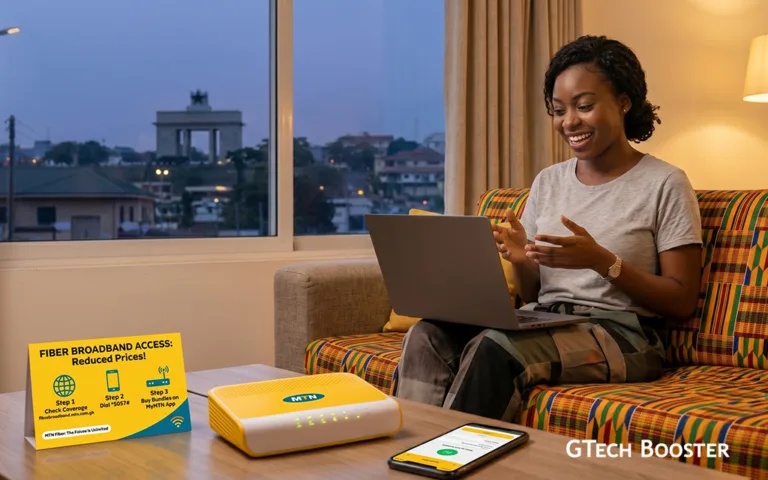
Accessing the newly reduced fiber broadband packages involves a two-phase process: checking infrastructure availability at your location and then subscribing to a data plan.
Here is exactly how you can get connected and manage your service:
Phase 1: Requesting Installation (For New Users)
Because fiber optic internet requires a physical cable connection directly to your home or office, you must first verify that your neighborhood is covered by MTN’s fiber footprint.
- Check Coverage: Visit the official MTN Ghana Home Internet portal to view their active coverage maps.
- Submit a Request: If your area is eligible, you can fill out a service request form on the MTN Fiber portal (
fibrebroadband.mtn.com.gh). You will need to provide your basic contact details, your specific residence type, and a brief description of your location. - Physical Installation: Once your request is verified, a technical team will visit your location to lay the physical fiber cable into your premises and set up your dedicated broadband router.
If you are a business user setting up a larger commercial space, you can fast-track this by emailing your requirements directly to mtnbusiness.GH@mtn.com.
Phase 2: Purchasing Bundles (For Connected Users)
Once the physical router is active and paired with an MTN phone number or your email address, you can purchase and renew your unlimited packages using three primary methods:
Method A: Via USSD Code (The Fastest Way)
- Dial
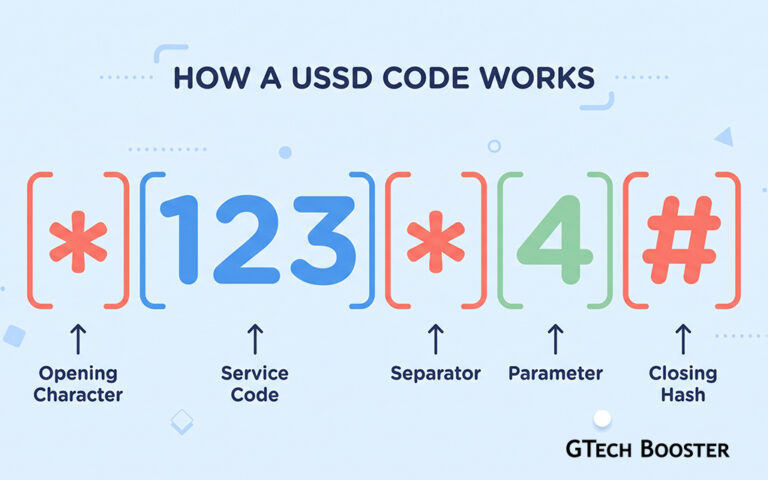
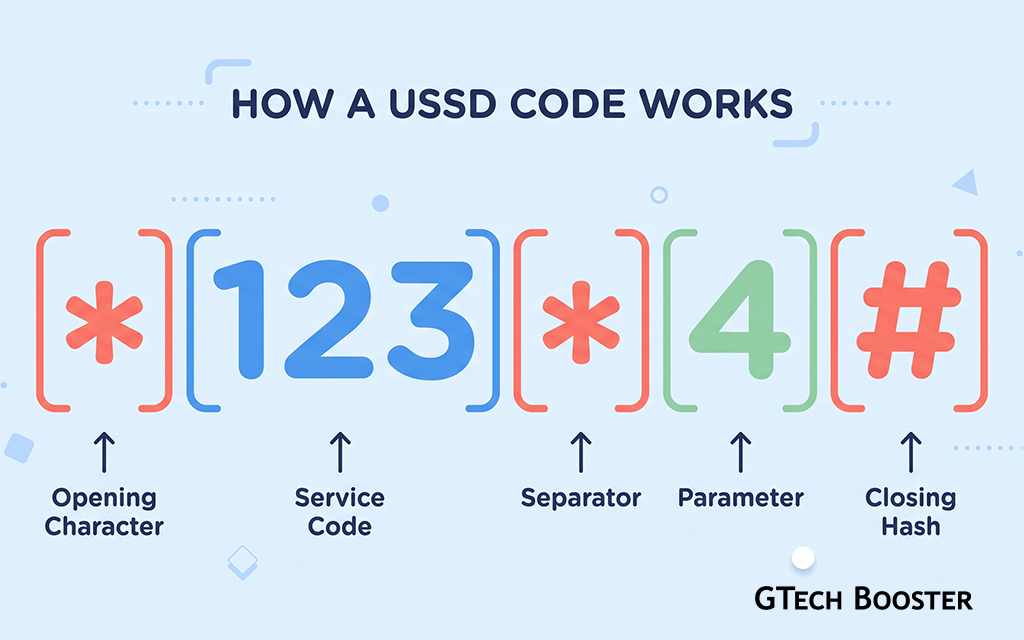
5057from the MTN mobile number paired with your broadband account. - Select Option 1 for “Buy Bundle“.
- Follow the prompts to select your new unlimited speed package.
- Confirm your payment using your Mobile Money (MoMo) wallet or available airtime.
Method B: Via the MyMTN App
- Download and log into the MyMTN App on your smartphone.
- Navigate to the MyMTN Home or Broadband section.
- Select your desired speed tier and authorize the payment directly through the app interface.
Method C: Via the Broadband Portal
- Open your browser and go to
fibrebroadband.mtn.com.gh. - Log in using your paired MTN number or registered email.
- Enter the One-Time Password (OTP) sent to your device to access your dashboard.
- Click on Activities and select Buy Bundle to choose your plan.
This rollout highlights a major shift in how digital infrastructure is treated in emerging markets. Moving away from highly restrictive, metered mobile data data caps toward massive, flat-rate fixed pipes is exactly what local tech ecosystems need to scale. While physical deployment can still face hurdles depending on how fast teams can string cable to your specific street, getting a reliable 100 Mbps line at a fraction of the historical cost lowers the entry barrier for creators, developers, and small businesses looking to compete globally right from home.
More Information ℹ









Conversation
Login to comment.
Log In / Register