
How to complete dual pairing on Oraimo Necklace 5
Necklace 5 gets rid of the regular power button and replaces it with the magnet tangling and detaching feature from earlier mode.
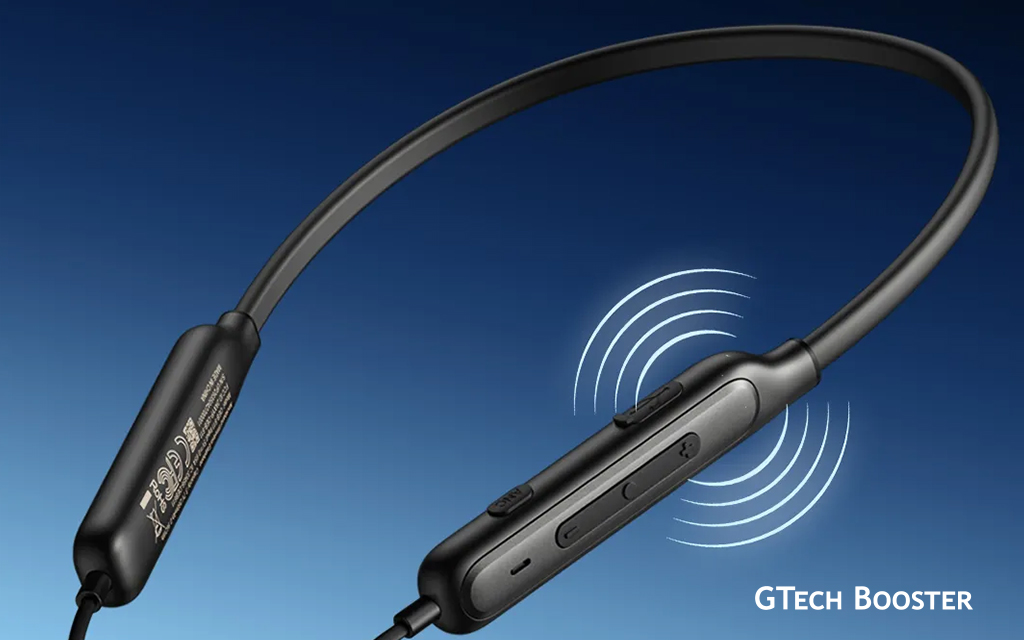
The Necklace range of portable audio management for everyday and busy users alike has come with yet another model from Oraimo in Necklace 5. Necklace 5 gets rid of the regular power button and replaces it with the magnet tangling and detaching feature from earlier mode.
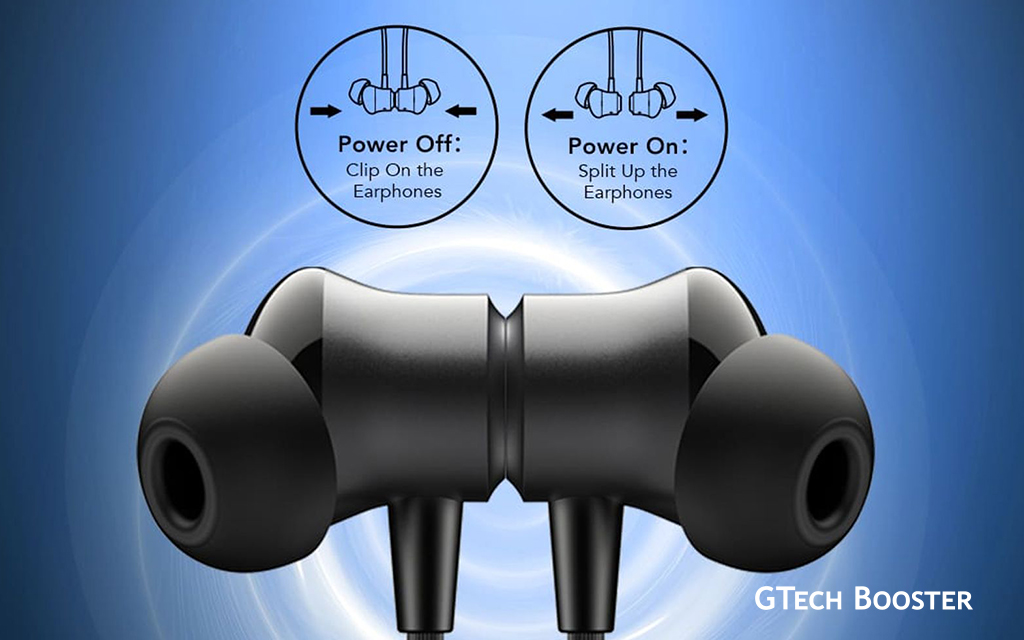
Magnetic Power-Off or On

Oraimo Necklace 5 features an automatic power system tied to its magnetic earbuds. Separating the earbuds instantly powers it on. To turn off, Clip the magnetic earbuds together to auto-power off and save battery. Unclipping repeats the on process for quick use.
Manual Activation
Long-press the multifunction button (often marked ‘O’) for 3-5 seconds if auto-power fails or for manual override; the LED indicator flashes to confirm. Charge fully via Type-C first if unresponsive, as low battery prevents startup.
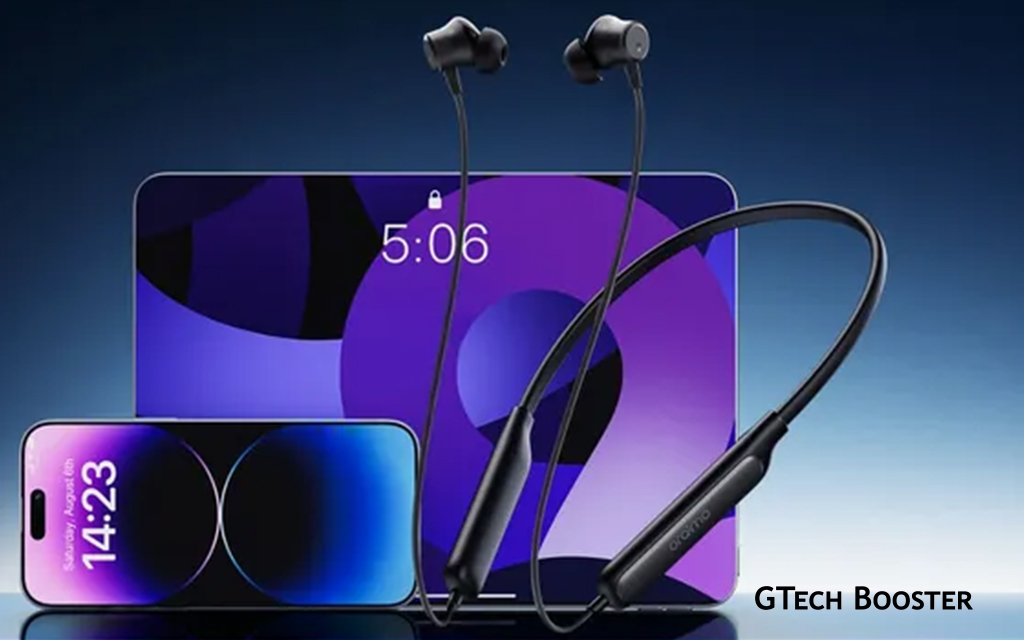
Oraimo Necklace 5 supports dual device pairing for seamless switching between two devices like phones or tablets. It supports automatic switching between two paired devices based on active audio playback. The neckband uses Bluetooth multipoint to stay connected to both devices simultaneously, so pausing audio on one (like music on your phone) and starting it on the other (like a video on your laptop) triggers an automatic switch. Incoming calls prioritize the phone automatically, ensuring seamless transitions without manual input. No specific button combo is needed for switching after pairing, as it detects the new audio source.
Pairing Steps
- First, pair the earphones with your primary device by powering them on (separate the magnetic earbuds), enabling Bluetooth on the device, and selecting “Oraimo Necklace 5” from the available list.
- Once connected, long press the ‘O‘ button (multifunction) and the ‘+‘ (volume up) button simultaneously for 2 seconds to enter pairing mode for the second device—the indicator light will flash.
- On the second device, enable Bluetooth, search for “Oraimo Necklace 5,” and connect; it now supports both simultaneously with automatic switching.
Tips for Reliability
Keep both devices within Bluetooth range (about 10 meters) and ensure no other audio conflicts. Use the Oraimo Sound app to manage connections if issues arise, or pause/stop playback explicitly on the current device before starting the next. Re-pair if switching lags by disconnecting and reconnecting one device.
The neckband uses Bluetooth 5.4 for stable dual connections, and you can manage settings like this via the Oraimo app if needed. To disconnect one device, repeat the process or use the app; reconnecting prioritizes the active audio source. Magnetic earbuds auto-power off when clipped together.
More Information ℹ

Gabby









Be polite and constructive with your point.