How to keep your personal WhatsApp account safe
Safety on WhatsApp is crucial because it protects your personal conversations, financial details, and private media from hackers, scammers, and unauthorized access.
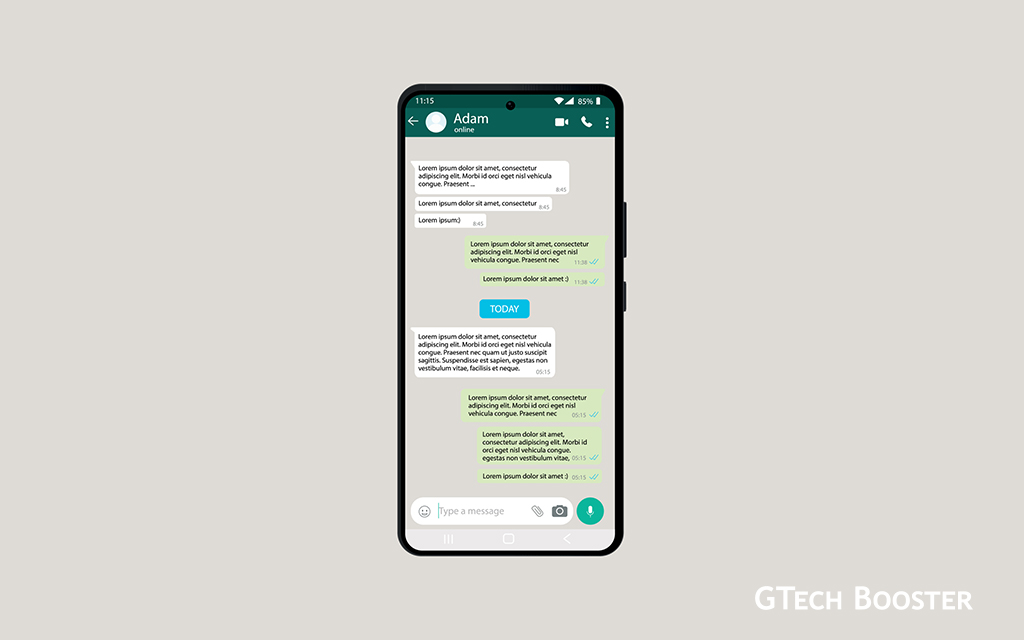
Safety on WhatsApp is crucial because it protects your personal conversations, financial details, and private media from hackers, scammers, and unauthorized access. Without proper safeguards, your account could be hijacked via SIM swaps or phishing, leading to identity theft or misinformation spread to contacts. Prioritizing security ensures peace of mind in daily use, especially with billions relying on the app for communication.
End-to-end encryption

End-to-end encryption keeps messages private, readable only by sender and recipient, blocking interception by third parties including WhatsApp servers. Two-step verification adds a PIN barrier, thwarting unauthorized logins even if someone gets your SMS code. Features like spam detection and security alerts proactively stop threats before they reach you.
Turn on end-to-end encrypted backups in Settings > Chats > Chat backup, and set a strong password to protect stored data.
Set up two-step verification
Set up two-step verification by going to;
- Settings > Account > Two-step verification;
- create a strong 6-digit PIN and
- add a recovery email.
This prevents unauthorized access even if someone obtains your SMS code. It also on the other hand locks your number on record with your recovery email. For users with too much privacy requirements, these are your options.

Privacy Controls
- Adjust privacy settings under Settings > Privacy: limit profile photo, status, last seen, and about info to “My contacts” or “Nobody.” This reduces exposure to strangers.
- Avoid cloud backups if maximum privacy is needed, as they lack full end-to-end encryption by default.
Currently messaging apps like WhatsApp, Telegram, Viber, WeChat and the likes make better alternative due to its encryption, making it safer than unencrypted SMS or email for sensitive talks.
Usage Precautions
- Download WhatsApp only from official app stores to avoid malware in modified versions and unauthorised variants of the WhatsApp application.
- Steer clear of public Wi-Fi for WhatsApp Web; use a VPN if necessary.
- Monitor for suspicious activity: if hacked, inform contacts, delete the account via Settings > Account > Delete my account, and contact your carrier to lock the SIM.
Advanced chat privacy lets you lock chats with biometrics, hide online status, and control who sees your info, reducing unwanted exposure. Encrypted backups secure your chat history from cloud breaches, unlike unencrypted alternatives. Disappearing messages and view-once media limit data retention, minimizing long-term risks if a device is compromised. Proactive habits like these prevent scams that exploit weak accounts, protecting relationships and finances. Staying vigilant upholds trust in digital communication amid rising cyber threats.
More Information ℹ


Gabby











Be polite and constructive with your point.